Jump into a picture
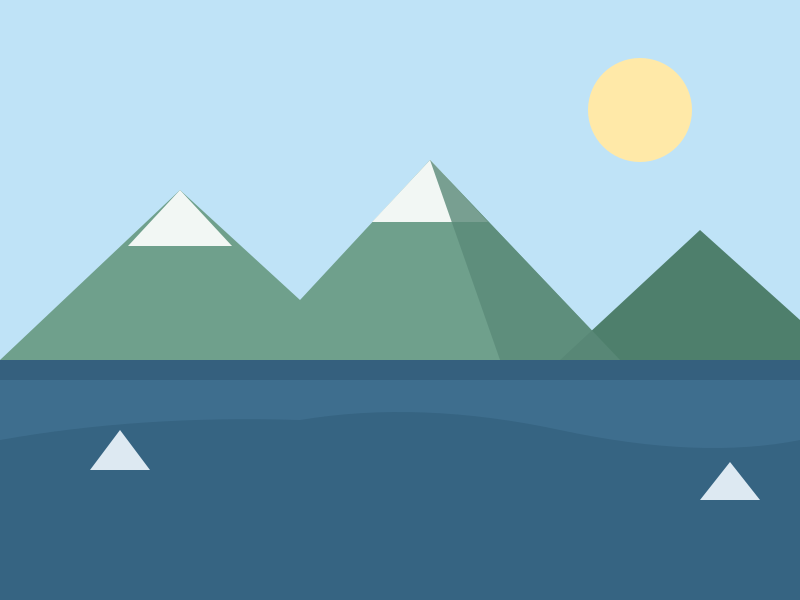 Mountain Lake
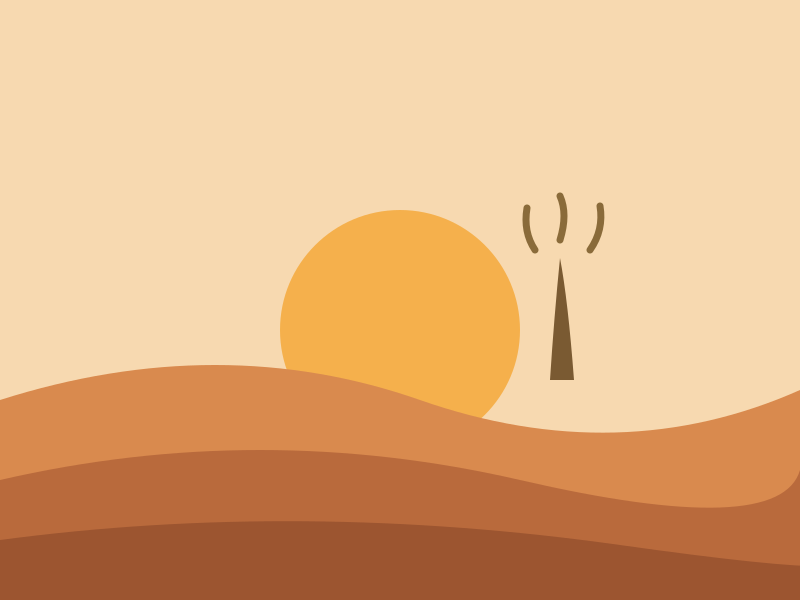 Desert Dawn
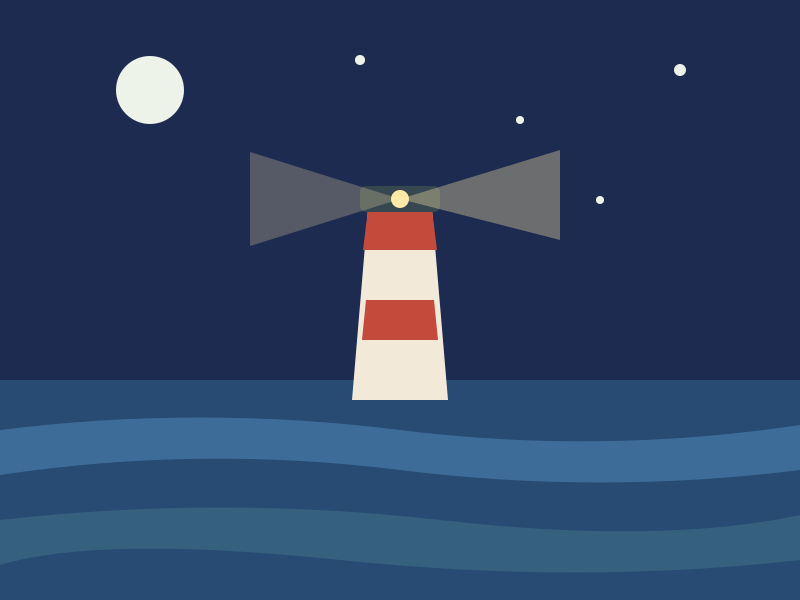 Lighthouse Point
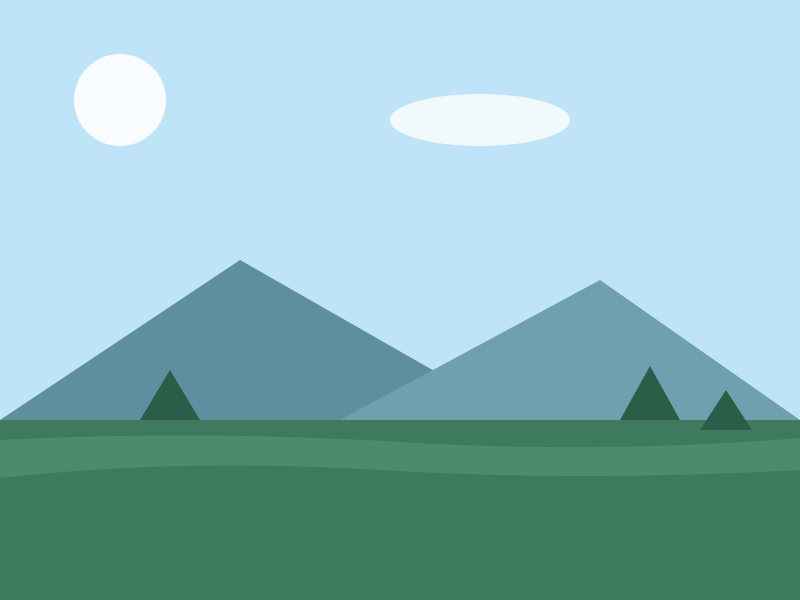 Pine Valley
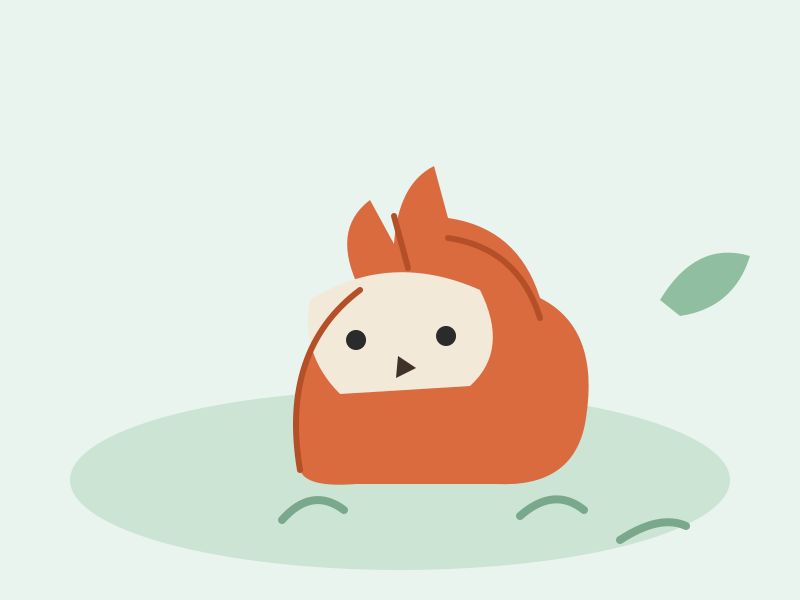 Forest Fox
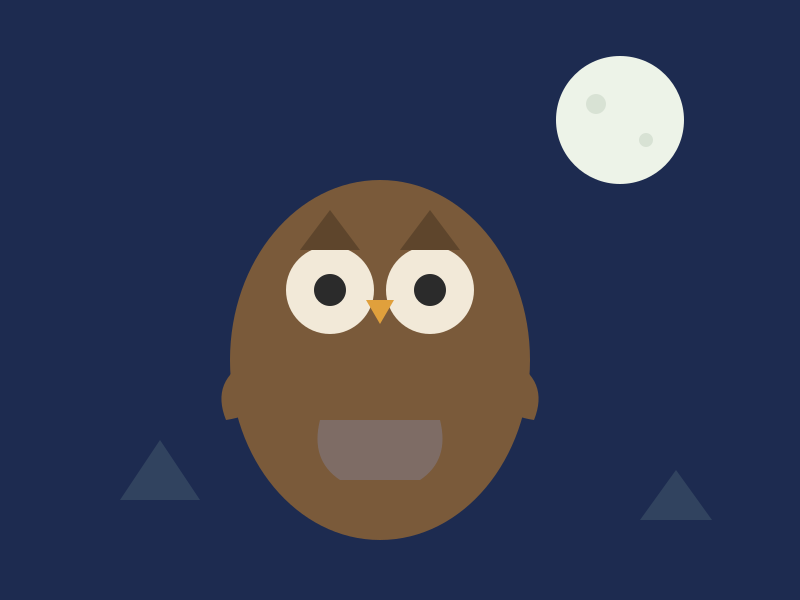 Owl and Moon
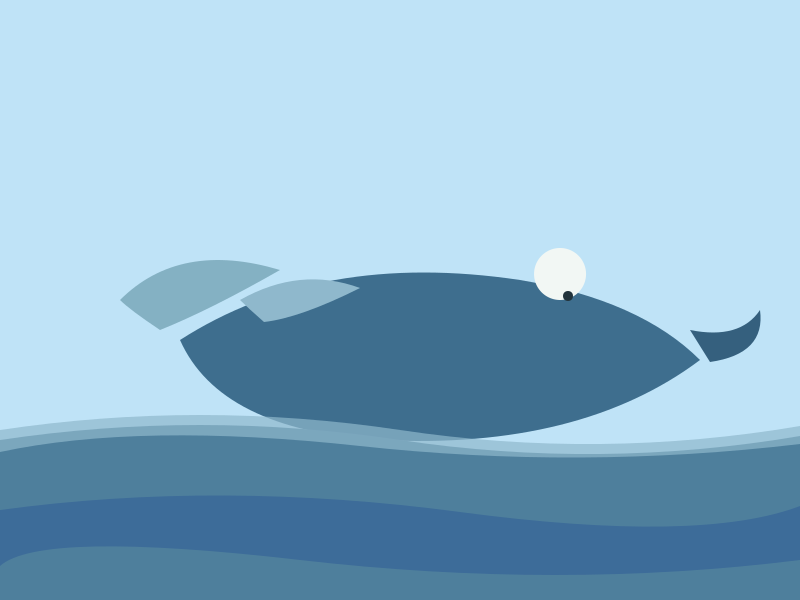 Whale in the Waves
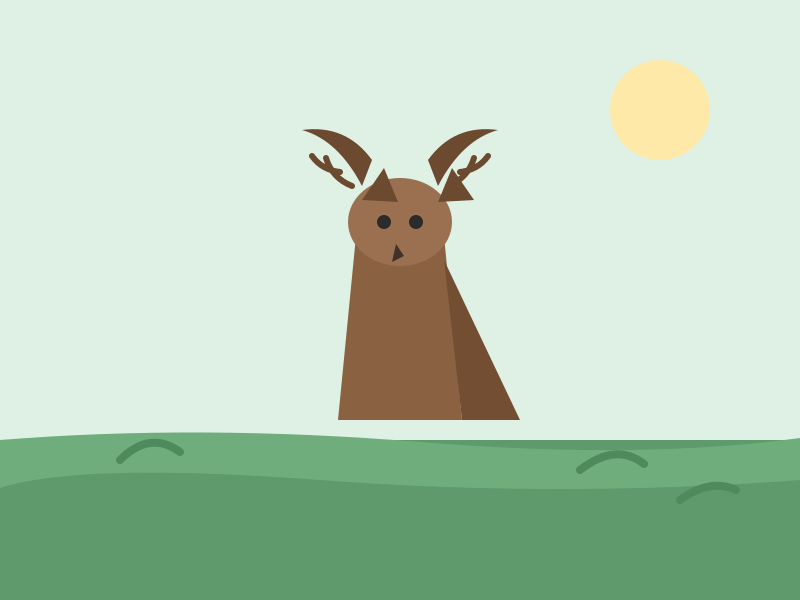 Meadow Deer
All twelve pictures, organized by theme, live on the categories page; today’s featured one is on the daily puzzle page.
Real jigsaw pieces with tabs and blanks, drawn from an original illustration library. Pick a picture, choose your piece count, and drag - the browser does the rest.
Drag pieces with a finger or the mouse. Neighbors snap and lock; the ghost preview shows the target. Progress resets when you reload — puzzles here are for the moment, not for saving.
Mountain LakeDesert DawnLighthouse PointPine ValleyForest FoxOwl and MoonWhale in the WavesMeadow DeerAll twelve pictures, organized by theme, live on the categories page; today’s featured one is on the daily puzzle page.
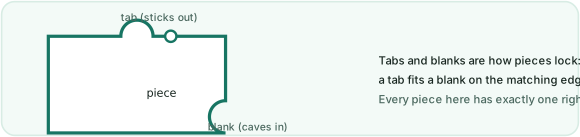
These are real jigsaw pieces, not square tiles. Every interior edge gets either a tab that sticks out or a blank that caves in, and a tab only fits the matching blank of one neighbor - which is what makes a finished region lock together and behave like one piece. Dragging is direct: grab anywhere on a piece, pull it across the board, and when its resting spot is within a few pixels the piece snaps home with a soft lock. There is no rotate mode by design - every piece appears upright, exactly the way casual jigsaw apps do it, so the puzzle is about where, not how.
The ghost preview underneath shows the whole picture at low opacity, which is how table-top players use the box lid. It can be toggled off in one tap when you want pure recall, and the heads-up bar counts moves, time and placed percentage as you go - the same gentle feedback loop that makes a physical puzzle satisfying, minus the risk of losing a piece under the sofa.
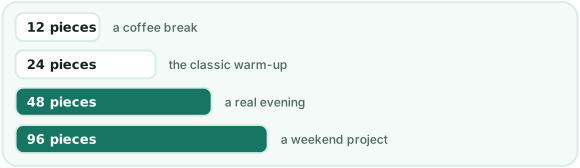
The four piece counts behave very differently. 12 pieces is a genuine coffee break and the right first stop on a phone. 24 pieces is the classic casual jigsaw - enough pieces that the picture matters, few enough to finish in one sitting. 48 pieces is where tabs and blanks start doing real work: two similar regions of sky become a genuine decision. 96 pieces turns the same picture into a project, and it is the honest upper bound here - the engine can cut more, but on a phone-sized board the pieces stop being fun to grab. On a desktop monitor the board is bigger, and the 96-piece game is the sweet spot for a rainy weekend.
Every puzzle here runs locally: the picture is drawn by your browser, the cuts are computed on your device, and nothing about your game is transmitted, stored or profiled. There is no sign-up wall, no hearts system, no energy meter, no interstitial between you and the next puzzle - the whole business model is showing a quiet ad slot next to the board, the way a newspaper puzzle page sits next to the classifieds. If that trade sounds fair, bookmark the daily puzzle; a fresh illustration from the library is featured every day, and the full library plus your own photos are one tap away on the categories and custom upload pages.
Yes - every puzzle on the site is free with no account and no install. The engine runs entirely in your browser, and the picture library is original artwork drawn for this site, so there is nothing to download and nothing to pay for.
Pick a piece count before you press New game: 12 for a coffee break, 24 for the classic feel, 48 for a real evening and 96 when you want a weekend project. The board re-cuts instantly, and tabs and blanks appear on the piece edges from 24 pieces up.
Yes - the custom upload page takes any image from your device and cuts it into the same tabbed pieces. The image is processed entirely inside your browser; it is never uploaded to any server.
No, by design. Reloading starts the current picture over - puzzles here are for the moment. This keeps the site free of accounts and tracking: there is nothing stored about you or your games.
When two neighbors are dragged within a few pixels of their correct spots, they pull together with a soft lock and stop moving independently. Correct placement is exact, so a finished region behaves like one solid piece of the picture.